Municipal Utilities Power Plant SCADA Systems
Page 1 of 2
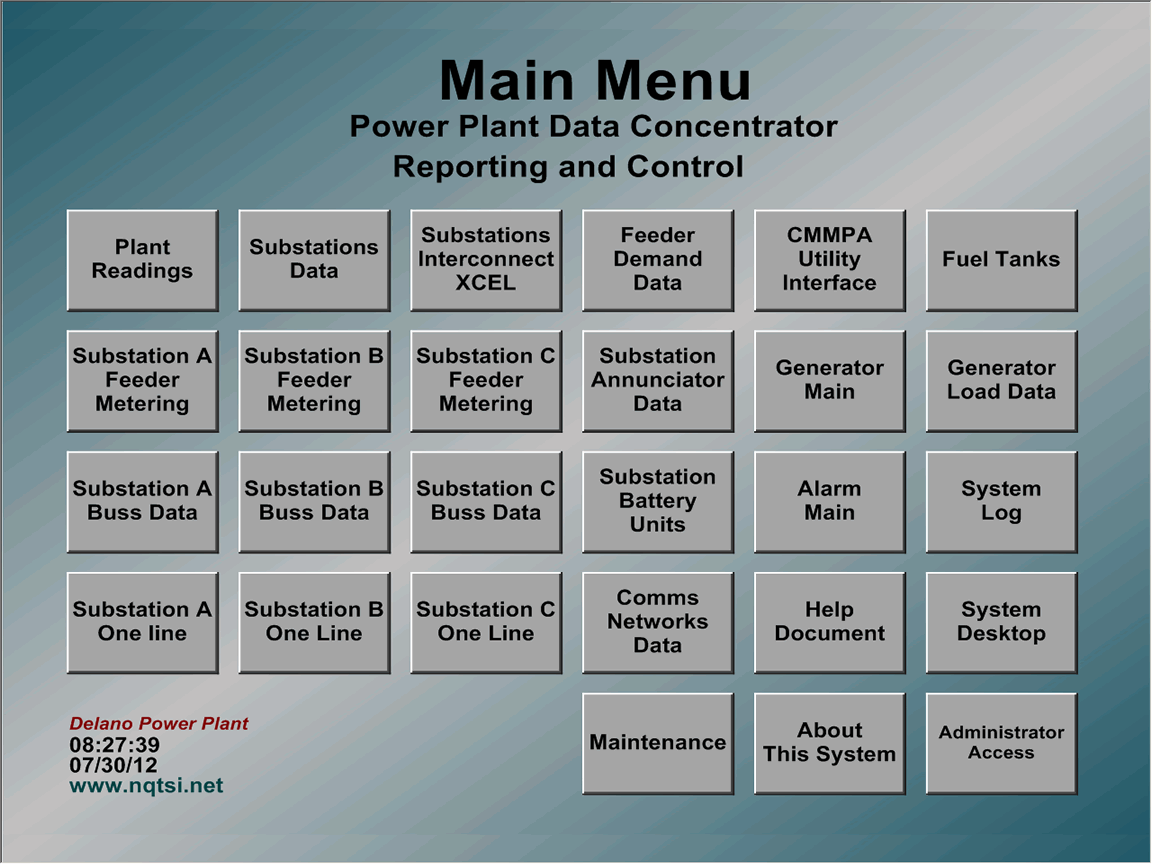
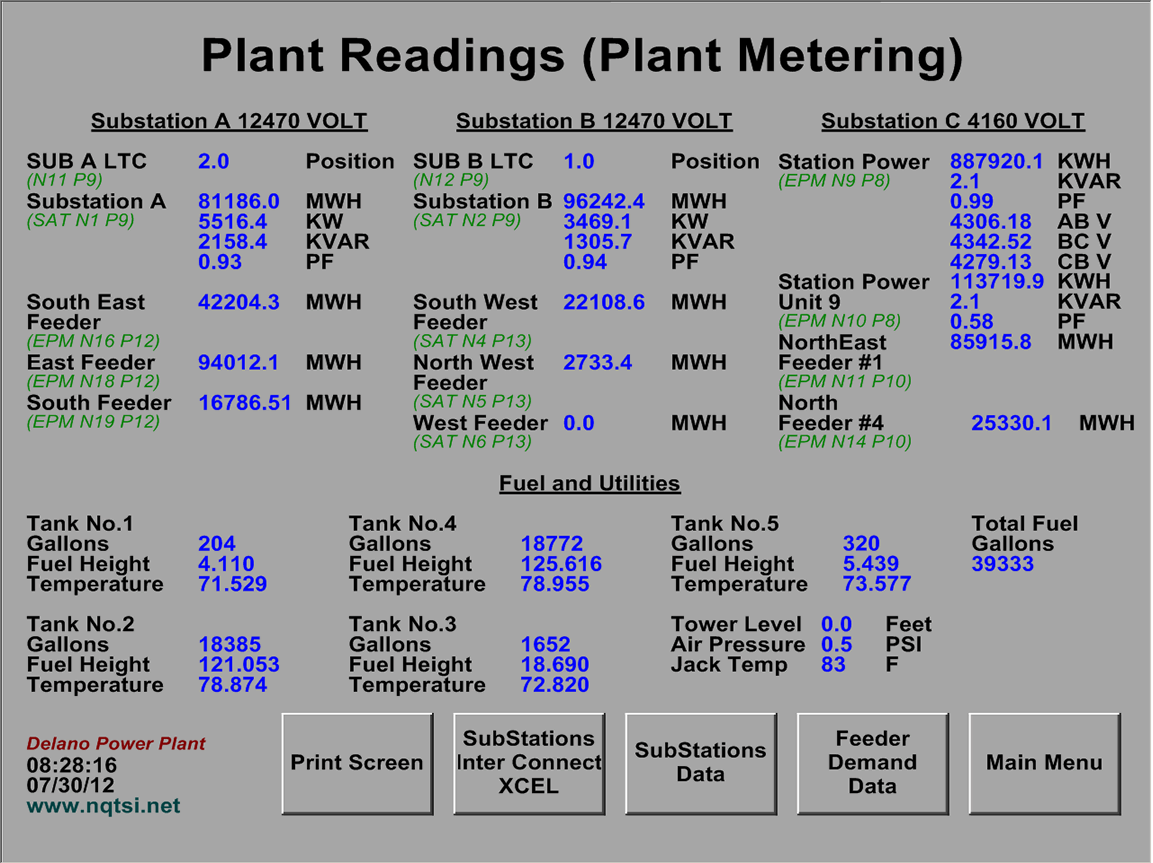
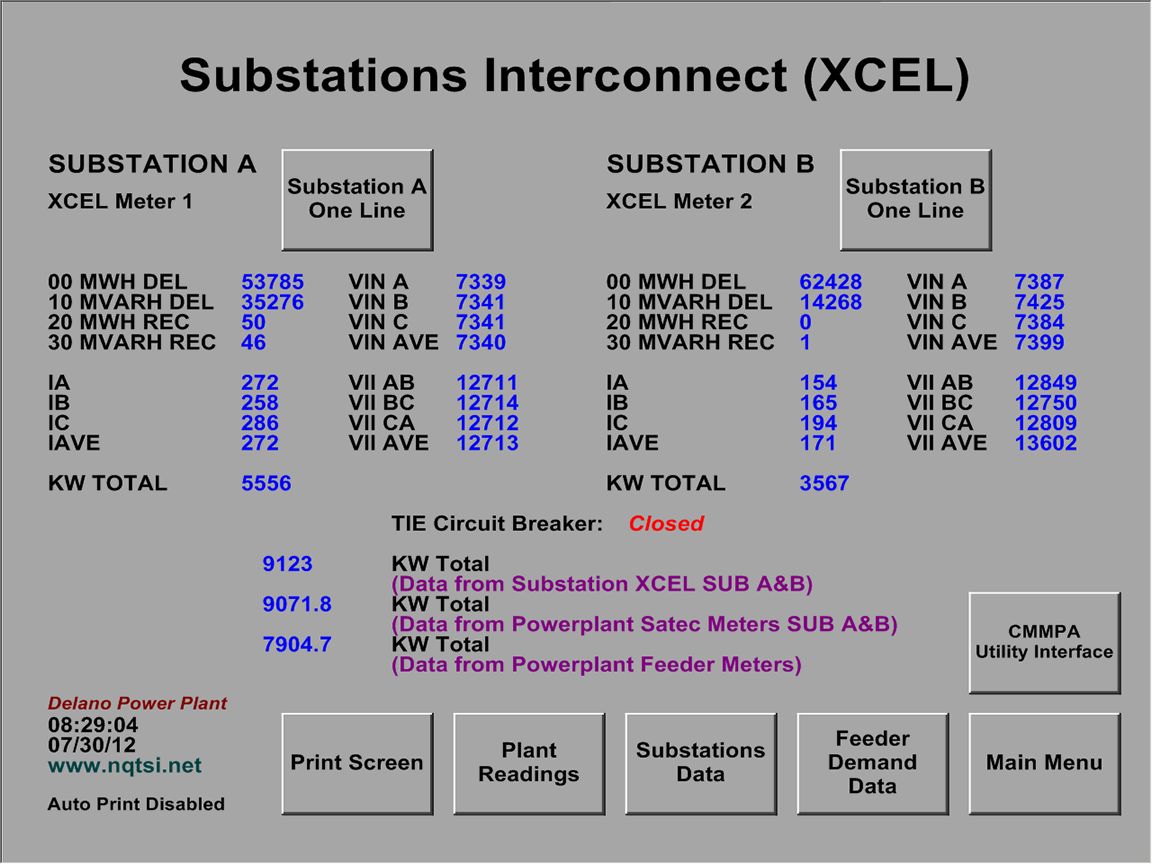
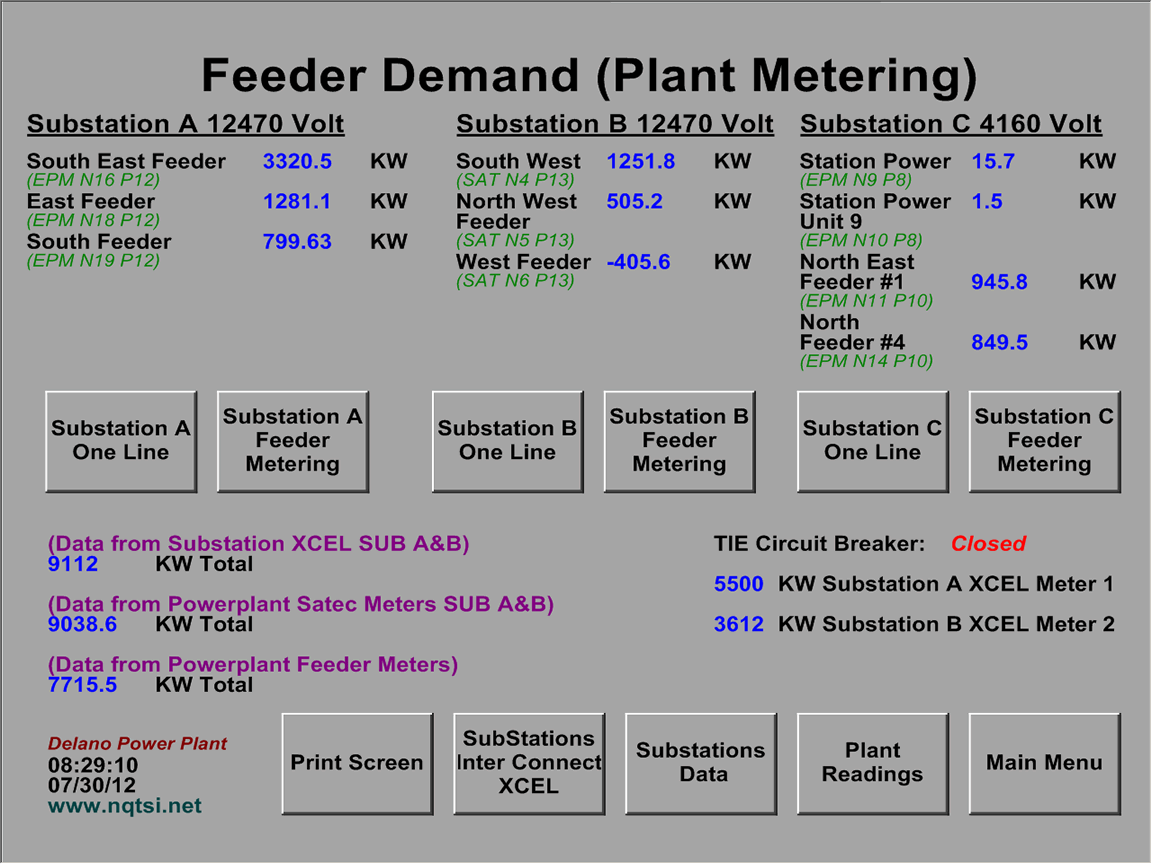
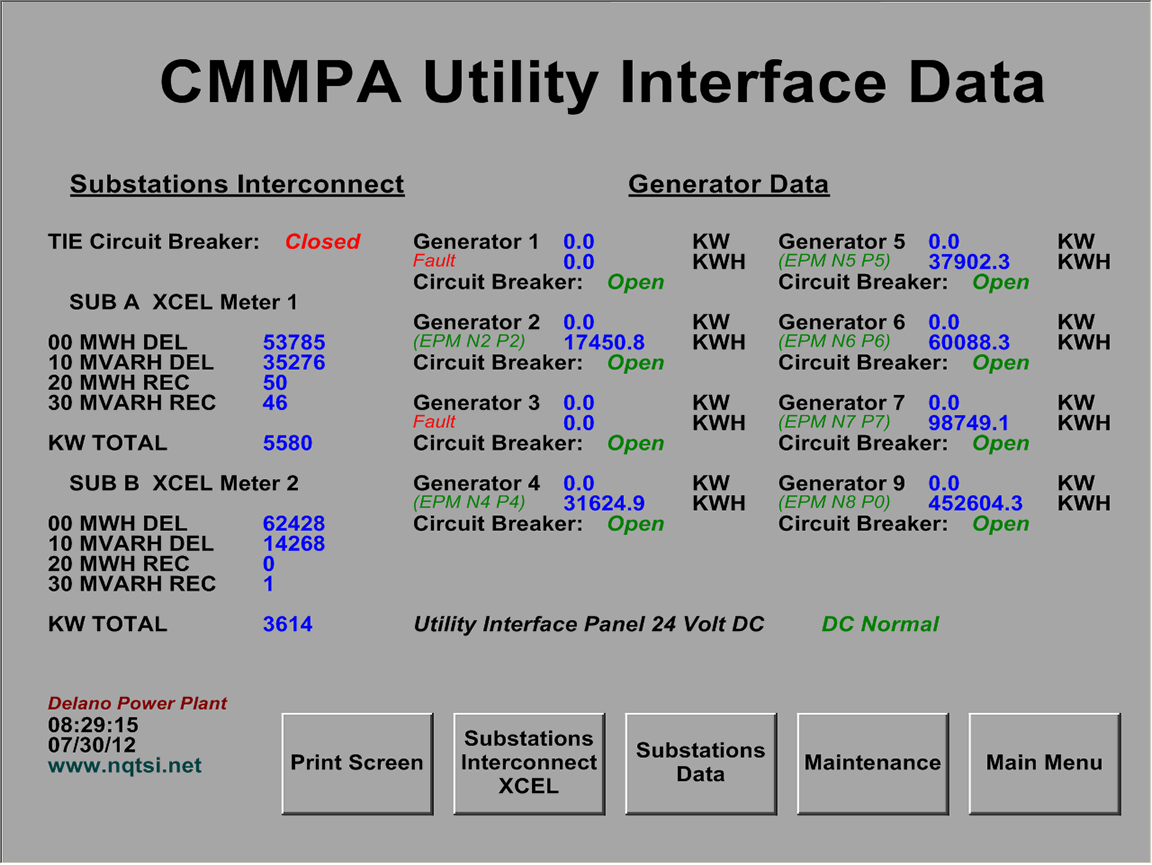
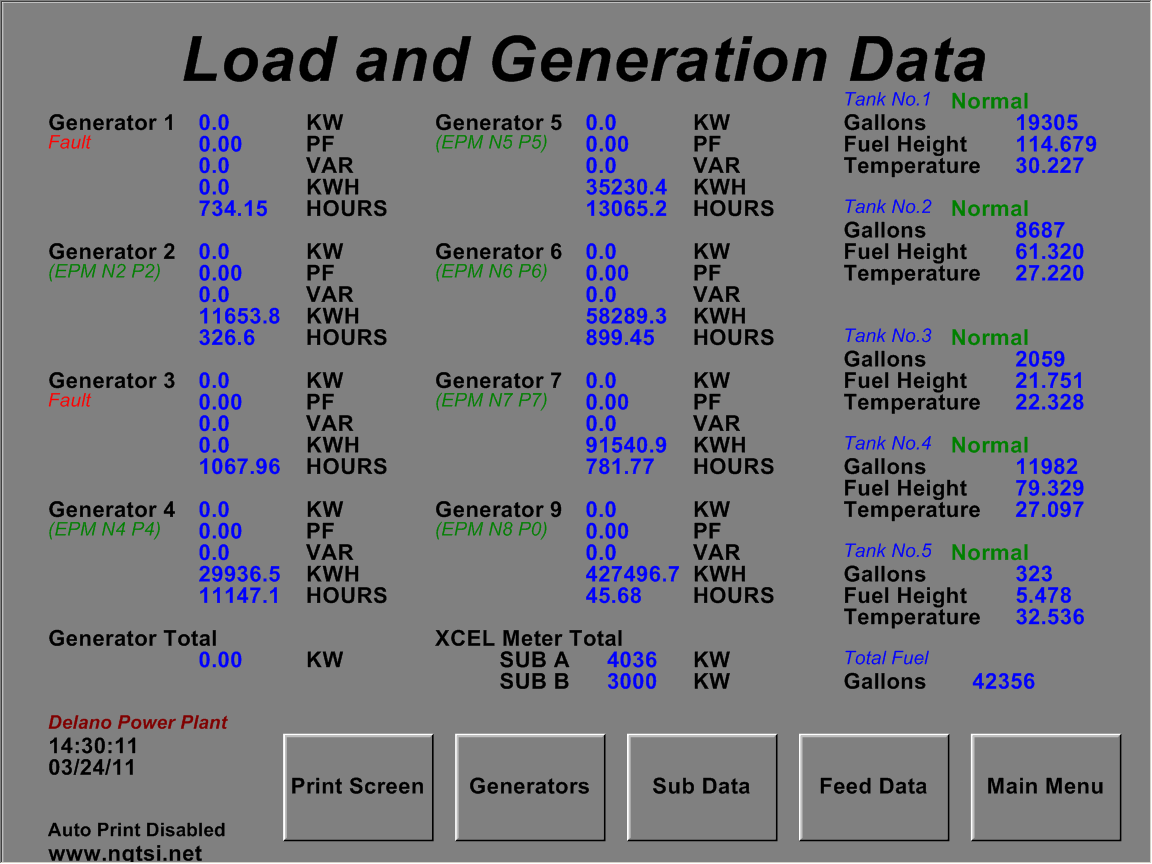
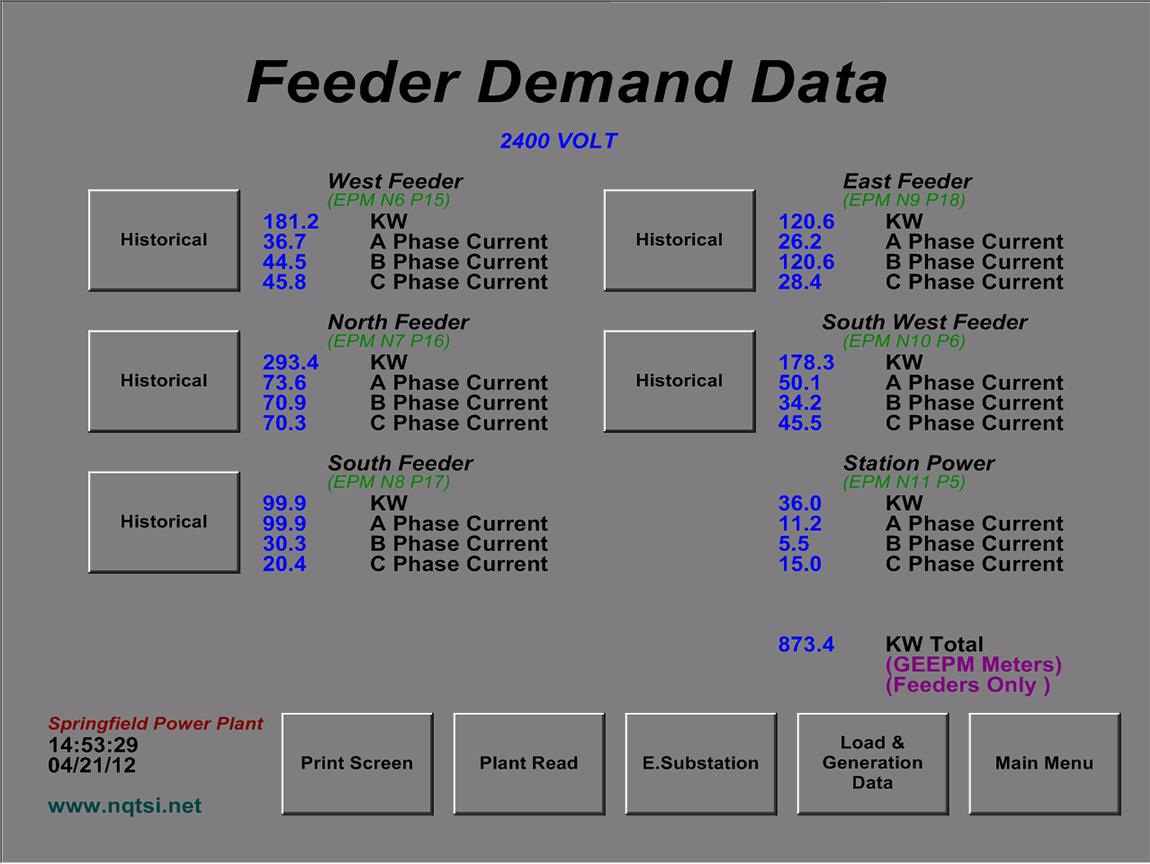
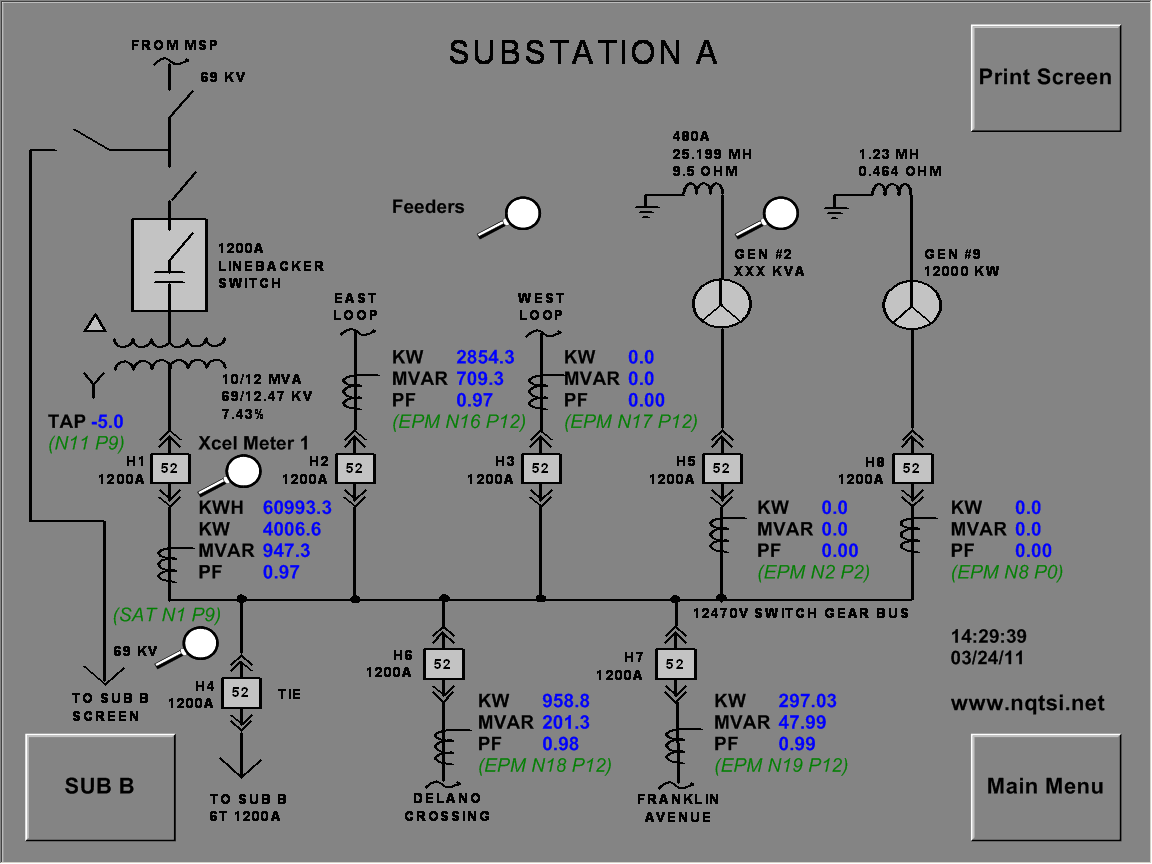
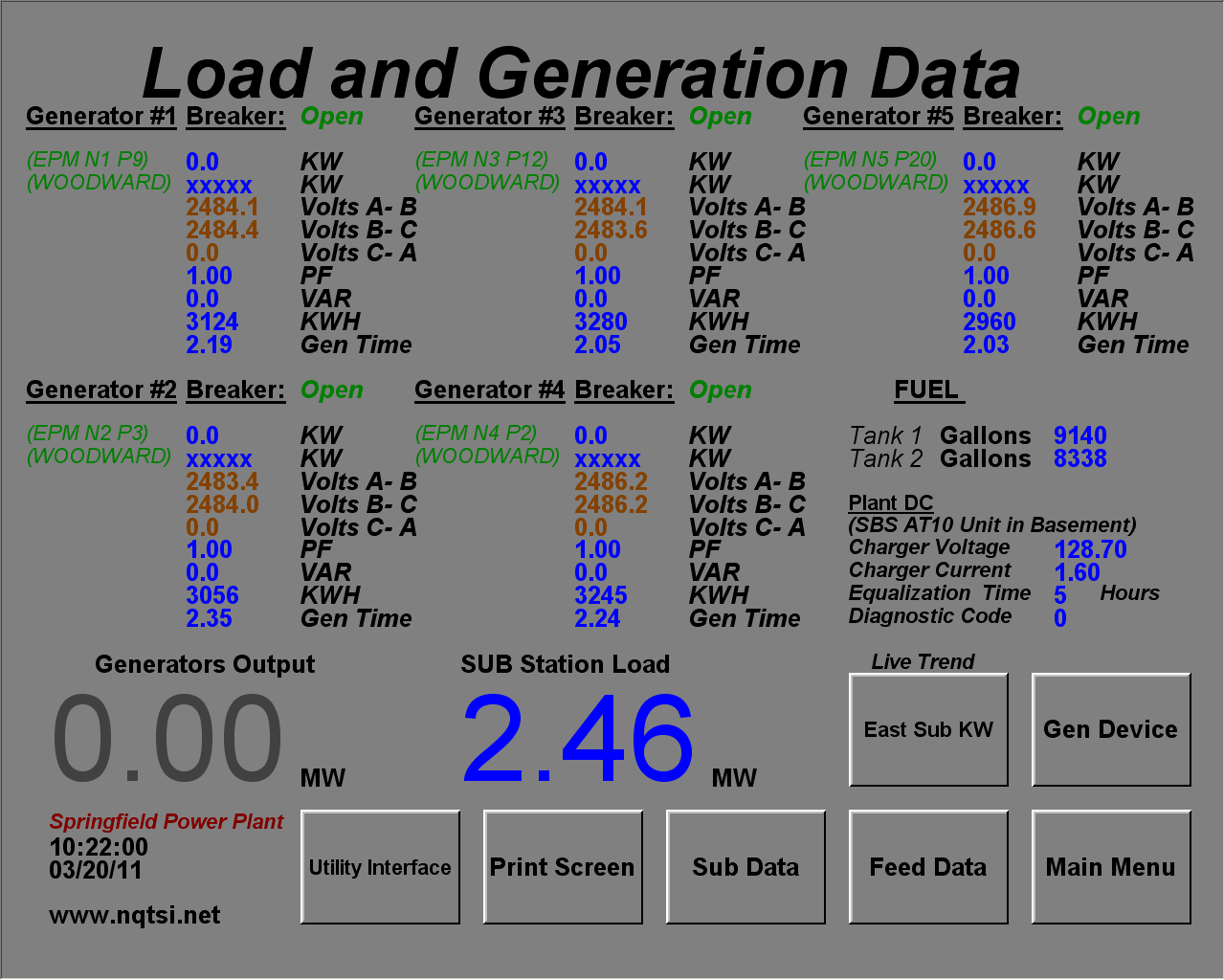
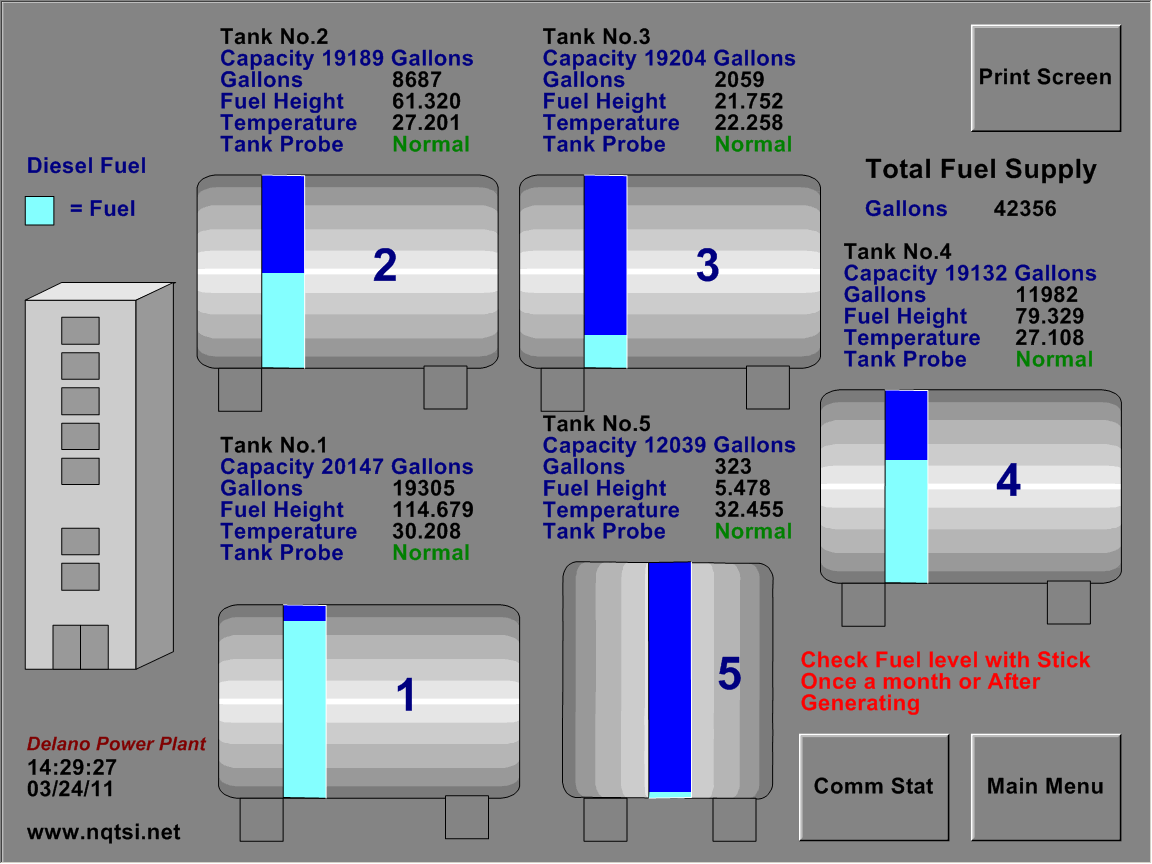
Example : The Screens below and on (Page 2) show examples of a Municipal Power Plant SCADA systems provided by NTSI for Municipal Utilities in Minnesota. The screens display live plant instrument readings for all parts of the facility electrical system.
The SCADA computers are utilizing MS Server 2012, MSSQL Server 2014 and GE Cimpilicty HMI, configured to move historical data to MSSQL Database. The system utilizes various types of OPC server client software as well as special communications protocols for PLC RTUs concentrators interface.
For example maintenance and trouble shooting documentation functions and Data Reporting tools (see page 2).
Power Plant Data
(Select example Images to Enlarge)
System(s) Main Menu Plant Readings
Substations Interconnect Data Feeder Demand
Utility to CMMPA Interface Load and Generation
Feeder Demand Substation One Line
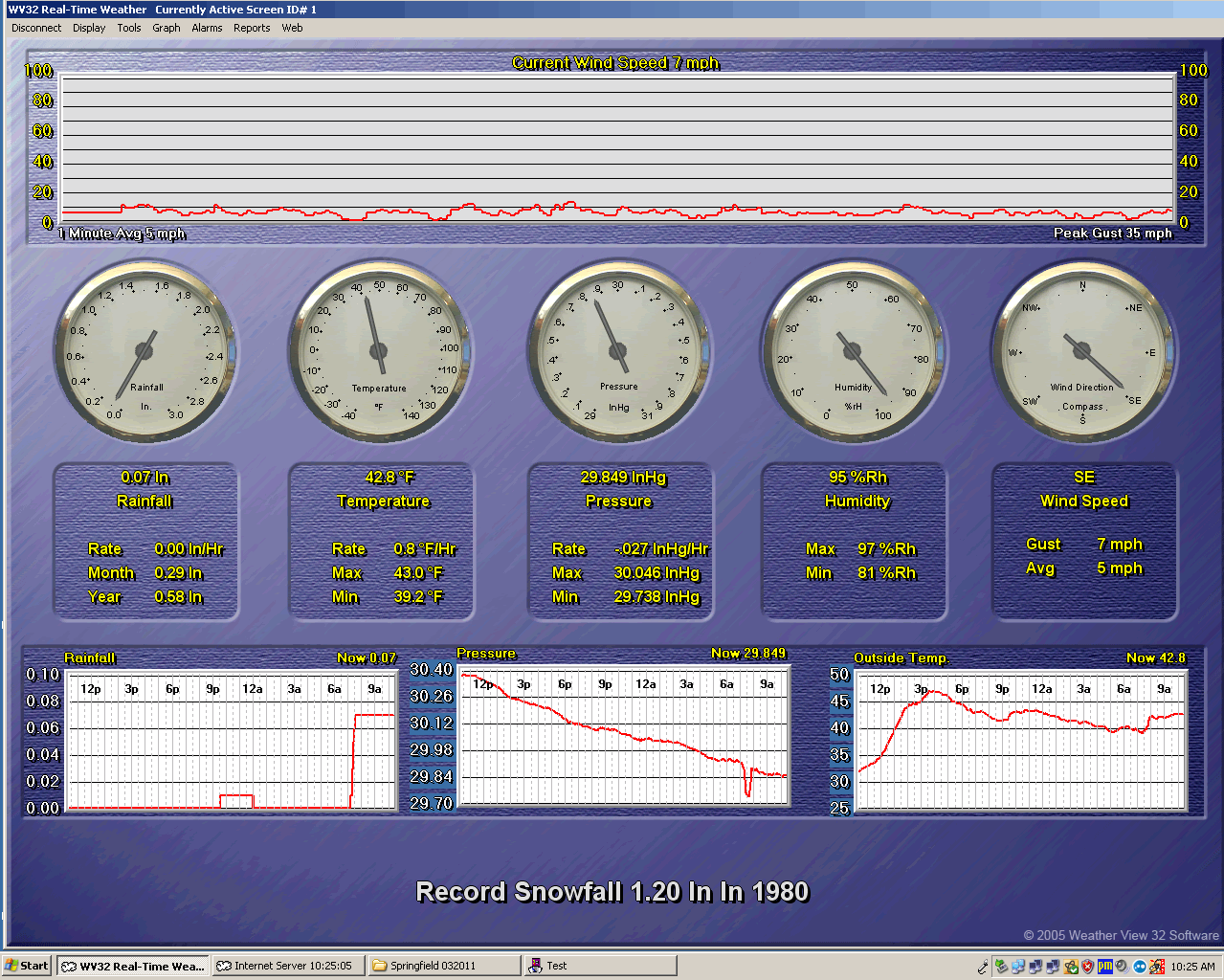
Load and Generation Screen by Weather View32
Power Plant Special
(Select example Images to Enlarge)
NTSI customers wanted to be able to monitor weather conditions on the SCADA system computers . NTSI selected the Davis Instruments Vantage Pro 2 and Weather View 32 Software, The Weather view 32 screen above is developed and provided by Weather view 32 Software as a default home screen.
Weather View provides great functionality and basic historical reporting. The only issue for NTSI was that we could not retrieve Weather View historical data and combine in our MSSQL master database. This was do to incompatibility and format issues within Weather View 32 software.
NTSI found that Weather View 32 is great software with excellent functionality when used with the Davis Instruments Vantage Pro 2 as a stand alone Weather monitoring solution.
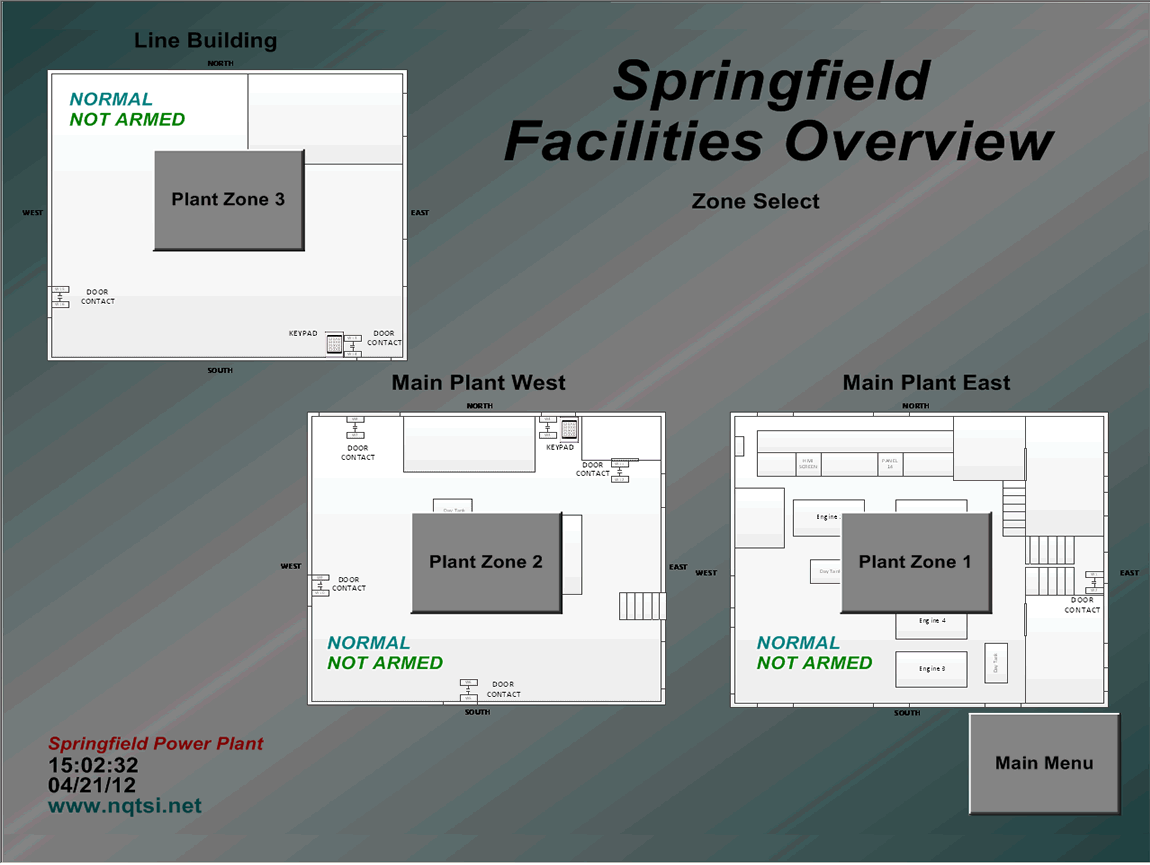
Below NTSI developed power plant security screens with key pad arming at the main facility entry door(s). In the event that the plant is entered with the system armed,the alarm system sets beacons and triggers the auto dialer alerting power plant security persons.
Facilities Security Generator Fuel Storage